Hope Industrial Blog

  • YouTube
  • Twitter
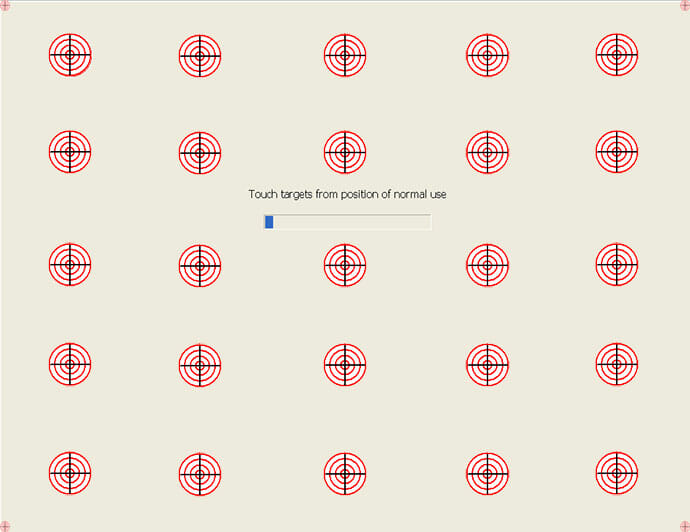
Elo 25 Point Enhanced Calibration for Touch Screens

Enhanced Calibration for Industrial Touch Screens

Elo 25 Point Enhanced Calibration for Touch Screens

As a rule of thumb, we recommend calibrating your industrial touch screen if the cursor is more than 0.25″ from the exact center of the point of touch. Doing so will increase the accuracy of the touch response and can make it easier to touch objects with pinpoint precision.

Read More

Hope Industrial Systems Logo

Single-Touch Gestures for Industrial Touch Screen Applications

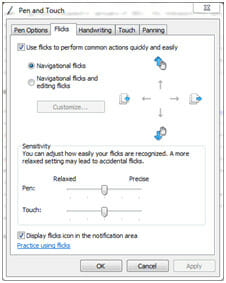
Microsoft Flicks Control Panel

Due to their advantages for the industrial market, Hope Industrial Systems’ products have always used resistive touch screen sensors from Elo TouchSystems, which support single-touch recognition. While many of the advanced touch features we have come to love in our smart phones require a “multi-touch” technology (like pinch-to-zoom), the recent release of a new series of drivers from Elo now allows some of these features to work with any Hope Industrial Touch Screen.

Read More